 30 Most Recent RSS Feed
 Apple Music Profile
 YouTube Channel
 RSS Feed
 Play Play
 Murph
Murph Yer Stack
 Block Party Weekend
 Elevendy
 Dupin v4.0.0
 Join Together
 M3Unify
UPDATED: Compare Two Playlists v5.3
Quickly compares the contents of any two playlists and displays the tracks that are common to both or the tracks in one playlist not contained by the other. Has tools to copy or move tracks from one playlist to another or delete common tracks from one or the other playlist.
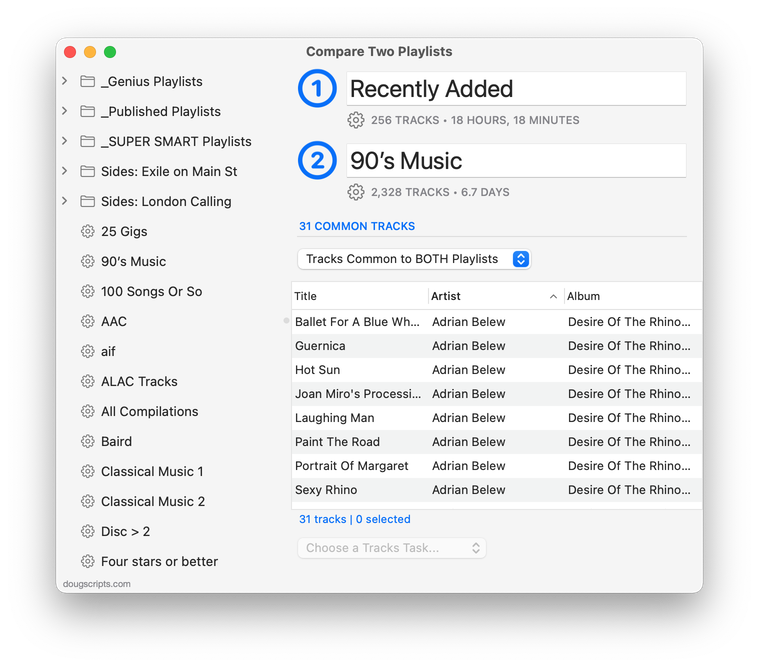
Latest version:
- Fixed a modern problem indexing playlists
- Minor UI update
More information for Compare Two Playlists v5.3 and download link is here.
UPDATED: Remove Duplicate Tracks from Playlist v2.1
Tracks may have been dragged/added/copied to a user playlist two or more times—defying the Music app’s caution about adding them—and now each of them appears multiple times in the playlist. This script will remove all but one of these kind of duplicate tracks from a selected playlist. (This does not have anything to do with duplicate files that each have an individual track entry in the Music library.)
Also see Remove From Other Playlists which does what it says.
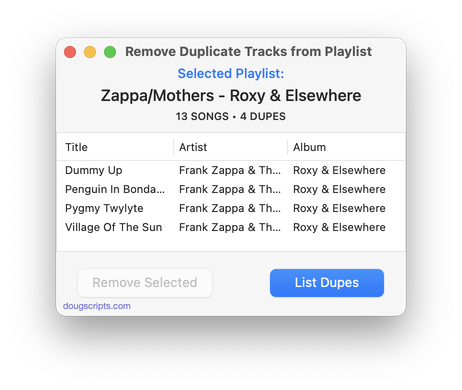
Latest version:
- UI rebuild
- Maintenance and minor fixes
More information for Remove Duplicate Tracks from Playlist v2.1 and download link is here.
UPDATED: Copy Tracks to Multiple Playlists v6.3
This applet will copy the selected tracks to one or more chosen playlists–or move them, after which they will be removed from the source playlist (if possible; tracks cannot be removed from dynamically populated playlists).
Also see Remove From Other Playlists.
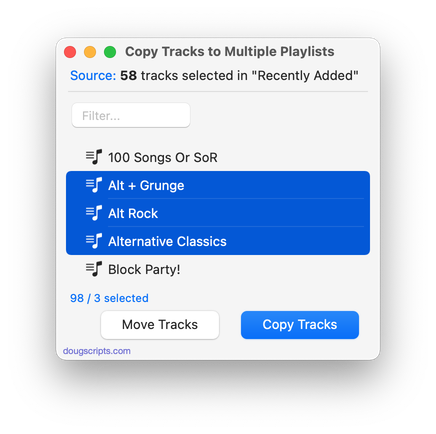
Latest version:
- Fixed regressions
- UI rebuild
- Minor maintenance
More information for Copy Tracks to Multiple Playlists v6.3 and download link is here.
UPDATED: Lyrics Tag Viewer v1.2
View and edit a selected track’s Custom Lyrics tag in a non-modal window, which, unlike a track’s Info panel, will not block keyboard and mouse activity in the Music app’s interface.
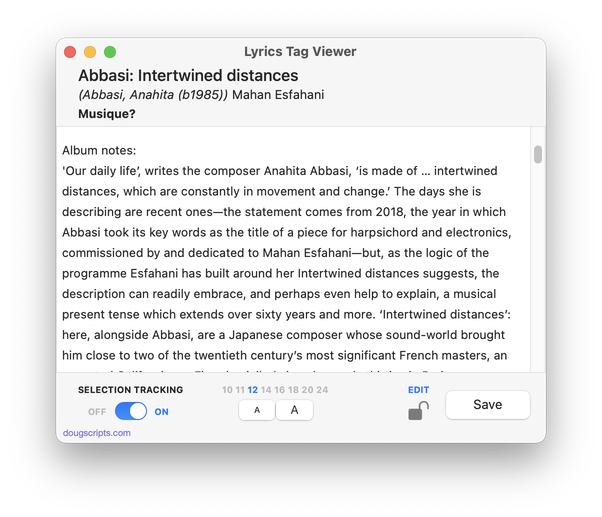
Whereas the Comments tag can only accept about 250 text characters, the “Custom Lyrics” tag can hold a lot of text. And I mean a lot of text. Custom Lyrics text will also get written to a track’s file as metadata. So it’s an ideal place to store information about an album. Especially if you’re not interested in storing lyrics there.
I got in the habit of using the Lyrics tag of the first track of an album to store liner-note-caliber text snippets about the album. Or actual liner notes if they are available. The screenshot above shows some text I copied from the album’s Wikipedia entry. In any case, I know that if an album has any info it’ll be in track 1’s Lyrics.
But a track’s Show Info displays a modal window which prevents doing anything else with the Music app while it’s open. So I use Lyrics Tag Viewer to display the lyrics or liner notes or what have you while an album is playing but without blocking access to Music.
Latest version:
- Minor UI updates and maintenance
More information for Lyrics Tag Viewer v1.2 and download link is here.
Restored in Beta 4
I can happily report that the delete command breakage I mentioned previously has been fixed in Golden Gate Beta 4. Couldn’t leave it hanging there like nothing was ever done about it.
UPDATED: Playlist XML Librarian v2.1
The original AppleScript version of Playlist XML Librarian had a search function but I didn’t like it much. So I decided not to include it in the v2.0 rebuild until I figured out a better way to do it. Well, I went ahead and did that for v2.1.
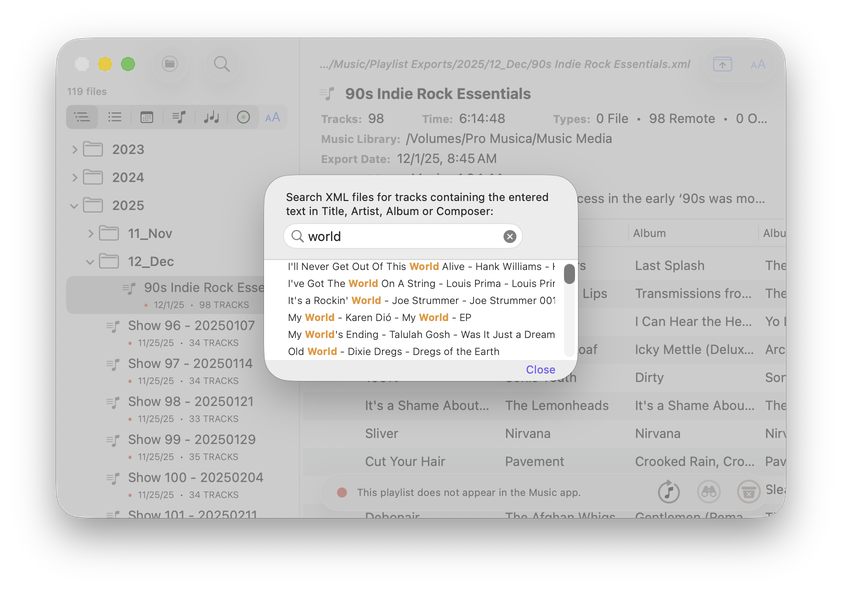
Playlist XML Librarian v2.1 will list the exported Playlist XML files collected in a specified folder with options to view, edit and send (import) them to the Music app. Makes it easy to maintain an organized stockpile of exported Playlist XMLs to reduce the number of onboard Music playlists.
Also see Playlist XML Viewer which can display and play a single selected local Playlist XML file drag-and-dropped or chosen. For handling exported library XML files, see Library XML Track Viewer
Latest version:
- Adds search feature; searches XML collection for playlist XMLs with track entries whose Title, Artist, Album or Composer tag matches entered search text.
- v2.0 (jun 3 2026):
- Outgrew AppleScript, is now a full-fledged Xcode app
- Overall speed boost
- Checks each XML file for appearance in the Music app as status
- Sort playlist XML list by name, date, track count, playlist kind and status
- Additional Settings to configure status indexing and display
- Description overspill appears in popover
- Toggle playlist info visible
More information for Playlist XML Librarian v2.1 and download link is here.
And Rip ‘Em When Ya Get ‘Em
From The Verge:
“CD sales are apparently going up, reportedly thanks to fans realizing they’re an affordable way to support their favorite artists. According to a new report from research firm Luminate, 16.3 million CDs were sold in the first half of 2026 in the US, a 16 percent increase year-over-year. The growth in CD sales was driven by “collection building, price accessibility, massive albums such as BTS’ ARIRANG and a strong K-pop release schedule,” Luminate says.
Nice to see stories like this every once in a while, right?
UPDATED: File Renamer v5.3
Here’s a utility that’s been waiting for a few fixes and I finally got around to them.
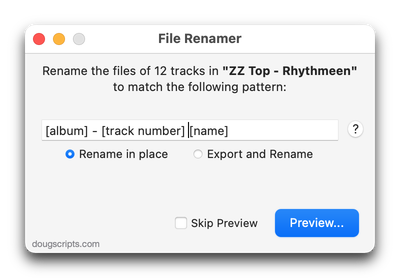
File Renamer will rename the files of the selected tracks (or the files of the tracks in the selected playlist) using a substitution pattern that you formulate from the tracks’ tag data. Optionally, export a copy of the files to a chosen location and rename the files in that location.
Works optimally for “in place” option with Music app’s “Keep Media folder organized” un-checked.
Latest version:
- Fixed some regression issues impeding operation
- Minor UI adjustments
More information for File Renamer v5.3 and download link is here.
Busted in the Beta
Now that the macOS 27 Public Beta is available I feel like I can raise a little clamor about the Music app’s failing AppleScript delete command. It has been broken since the first Developer Beta. I hoped it would be restored for the Public Beta but it has not.
The delete command is a standard AppleScript command. It’s used in scripts for the Music app to automate track removal from playlists, removing tracks from the library, and deleting playlists. As you can imagine, it is a commonly used command in AppleScript Music workflows.
I don’t know if this is a permanent condition. I can’t imagine not being able to delete items—which is what you aren’t able to do under macOS 27 Beta with a small number of AppleScripts and applications from this site.
I never expect macOS beta software to be complete until the release candidate, so until then, as I annually warn, if you’ve installed macOS 27 Beta then don’t expect scripts to work 100%.
But it’d be good to get delete back soon.
UPDATE: July 20th’s Golden Gate Beta 4 restored the delete command.
UPDATED: Quick Convert v5.8
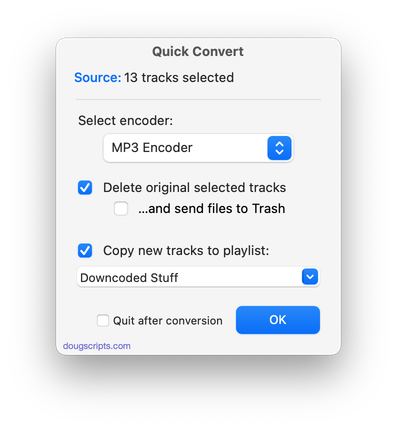
Convert all or just the selected tracks of the selected Playlist using your choice of available encoders, restoring your Settings-set encoder afterwards.
Additionally, you can:
- Choose to delete and/or Trash the original tracks and/or files
- Copy all converted tracks to a playlist
Latest version:
- Minor UI updates
More information for Quick Convert v5.8 and download link is here.
