 30 Most Recent RSS Feed
 Apple Music Profile
 YouTube Channel
 RSS Feed
 Play Play
 Murph
Murph Yer Stack
 Block Party Weekend
 Elevendy
 Dupin v4.0.0
 Join Together
 M3Unify
Music app
UPDATED: Coverscope v2.9
This Stay-Open applet will allow you to scroll and select tracks in the Music app to display both the selected track’s assigned track artwork and its local file’s metadata artwork (if any exists). The Track entry artwork well supports copy, paste and drags. Pasting or dragging image data immediately applies the image to the selected track’s artwork and attempts to embed it. Additional tools can Embed or Apply artwork between track and file.
Free to use in Demo Mode: While in Demo Mode, these functions will be enabled to use in any combination up to five times per launch:
- Embed Track Artwork (to the file)
- Apply Metadata Artwork (to the track entry)
- Paste or Drag an image file to Apply and Embed
- Copy Track Artwork to Clipboard
- Save Track Artwork to File
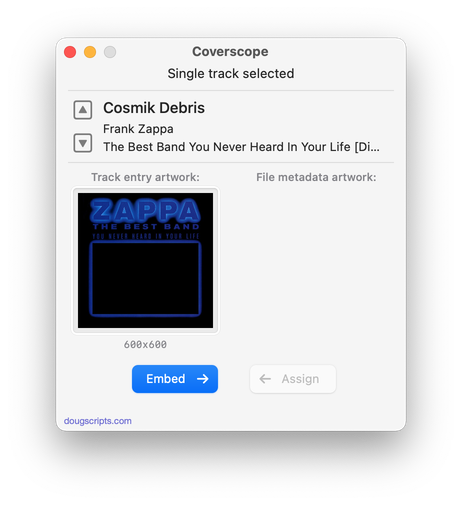
Latest version:
- UI and layout updates for macOS 26 and later
- Maintenance
More information for Coverscope v2.9 and download link is here.
UPDATED: Show Me The Metadata v3.5
This script will display the audio metadata and the Spotlight metadata for the file of a selected track in the Music app or user-selected audio file, or a drag-and-dropped Music track or audio file. Includes additional features to display embedded artwork and activate the Finder’s Information Window for the file.
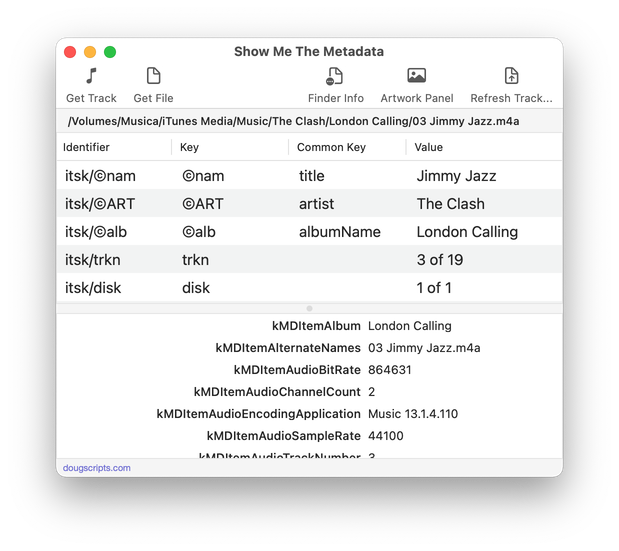
Latest version:
- UI and layout updates for macOS 26 and later
- Adds Reveal in Finder
- Maintenance
- Icon and docs update
More information for Show Me The Metadata v3.5 and download link is here.
UPDATED: Tracks Without Embedded Artwork v4.0
This applet will examine the files of the tracks in the entire Music library or a selected Smart playlist for artwork metadata. Eligible audio tracks whose files are capable of embedding image data but do not contain artwork metadata will be copied to a new discrete Results playlist for further examination.
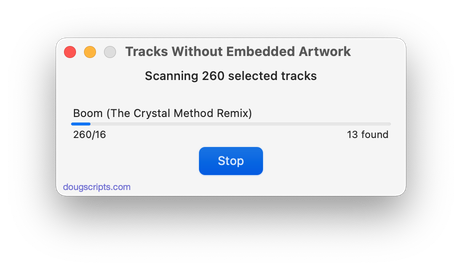
Latest version:
- UI and layout updates for macOS 26 and later
- Now allows scan of entire library or selected Smart playlist
- Demo Mode completes scan but only reveals 10 tracks
- Fixes issue with errant media library track entries
More information for Tracks Without Embedded Artwork v4.0 and download link is here.
UPDATED: Move Playlists to Folder v5.0
This applet will allow you to quickly move one or more selected playlists to an existing or new Playlist Folder instead of having to drag each of them one at a time.
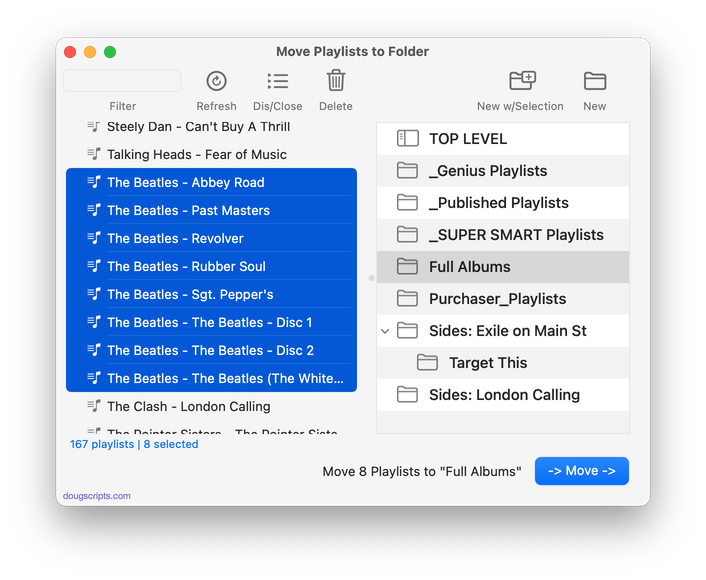
Latest version:
- UI and layout updates for macOS 26 and later
- Speedier playlist indexing
- Removes ability to extricate playlists from folders
- Additional maintenance
More information for Move Playlists to Folder v5.0 and download link is here.
UPDATED: Albums Amiss v2.0
This applet will generate a text file report listing the albums in the Music library whose track and disc numbers and counts are either missing or do not validate mathematically as a complete album. Additional options will check an album’s tracks for same audio file kind, same compilation settings and single Album Artist and/or Sort Album Artist. (To be clear: the script does not check some kind of online database; it uses the extant local track entry information. Thus, tag accuracy is essential.)
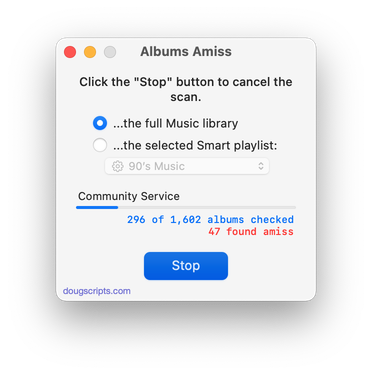
Latest version:
- Adds additional scanning options to check for same file kind, extant Album Artist and Sort Album tags
- Results playlist now optional
- Other improvements to logic
- UI and layout updates for macOS 26 and later
More information for Albums Amiss v2.0 and download link is here.
UPDATED: Track Down Purchases v6.0
This applet can examine the Music library and sort tracks purchased from the iTunes Store into discrete playlists by either the purchaser’s name or Apple ID (eg: “Purchased by Jane Smith” or “Purchased by janesmith@email.com”) which in turn will be placed in a “Purchaser Playlists” playlist folder.
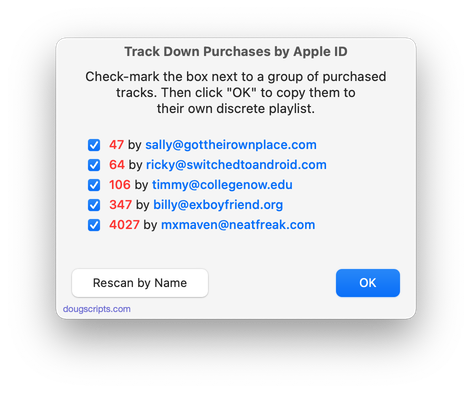
Latest version:
- UI and layout updates for macOS 26 and later
- Unified processes in a single window
- Icon and docs update
More information for Track Down Purchases v6.0 and download link is here.
Exploding Music Libraries
From 2001, a Correspondent writes: “Dear Doug. Maybe you can help me. I have a large library (2000 tracks) and…”
From 2006, another Correspondent writes: “Doug, my large library (6000 tracks) has started to…”
From 2010, some other Correspondent writes: “Doug. Huge library (20,000 tracks). What can I…”
From 2016, Correspondent reports: “My ginormous library (75,000 tracks) just went…”
From 2022, the guy from 2001 writes: “Doug, my library has exploded over the years to 150,000 tracks and…
Maybe you see how this has been going.
(more…)
UPDATED: No Lyrics to Playlist v3.3
This applet will scan the Music library or a selected playlist for tracks whose “Custom Lyrics” tags are blank and copy them to a new discrete playlist. Can also toggle to search only for tracks with lyrics.
(Please Note: The script can only discover tracks with “Custom Lyrics” provided by the user. There is no accounting for lyrics made available via Apple Music or Cloud/Sync Library. That data is inaccessible.)
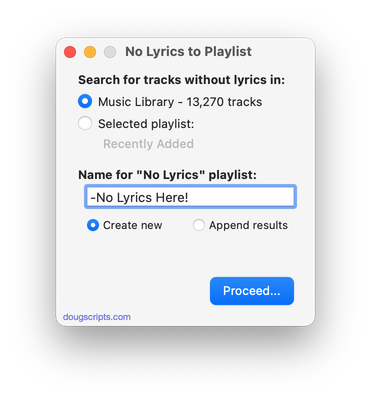
Latest version:
- UI and layout updates for macOS 26 and later
- Improved selection logic
- Adds Command-. to cancel
- Maintenance
- Icon and docs update
More information for No Lyrics to Playlist v3.3 and download link is here.
UPDATED: Display File Path v3.4
This script will float alongside the Music app and continuously monitor it for a single track to be selected and display that track’s file path (if it exists); or the script can be set to likewise display the file path of each playing track. Includes Show File in Finder and Copy Text to Clipboard and appearance options.
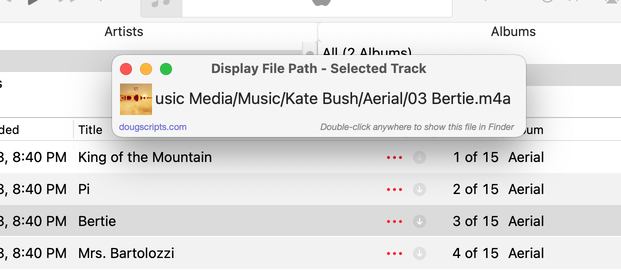
Latest version:
- UI and layout updates for macOS 26 and later
- Adds Settings for font size and hide, show and dim “Media” folder portion of the file path
- Icon and docs update
More information for Display File Path v3.4 and download link is here.
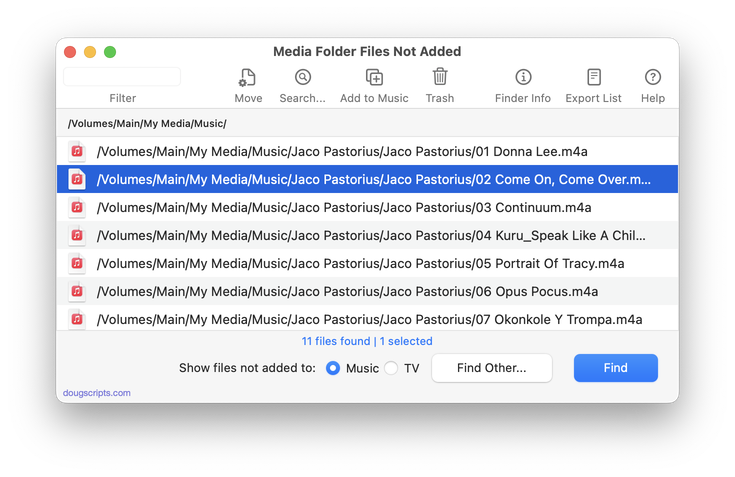
UPDATED: Media Folder Files Not Added v3.0
This application will list the file paths of the media files in your designated “Media” folder which are not associated with any tracks in the Music or TV app’s track library. Additionally, a different parent folder can be user-selected and its contents will be compared to the current library. Includes options to Filter within results, Move a selection of found files to a user-chosen folder, Search for related tracks in Music app, Add (or drag-and-drop) a selection of found files to Music o, move them to the Trash and Export a text file listing the file paths.
Also see Super Remove Dead Tracks and List MIAs.
Latest version:
- UI and layout updates for macOS 26 and later
- Removes support for TV app
- Fixes table layout issue
- Fixes minor issue with NAS locations
More information for Media Folder Files Not Added v3.0 and download link is here.
