 30 Most Recent RSS Feed
 Apple Music Profile
 YouTube Channel
 RSS Feed
 Play Play
 Murph
Murph Yer Stack
 Block Party Weekend
 Elevendy
 Dupin v4.0.0
 Join Together
 M3Unify
October 10 2026 - 10:30 am
UPDATED: Coverscope v2.9
This Stay-Open applet will allow you to scroll and select tracks in the Music app to display both the selected track’s assigned track artwork and its local file’s metadata artwork (if any exists). The Track entry artwork well supports copy, paste and drags. Pasting or dragging image data immediately applies the image to the selected track’s artwork and attempts to embed it. Additional tools can Embed or Apply artwork between track and file.
Free to use in Demo Mode: While in Demo Mode, these functions will be enabled to use in any combination up to five times per launch:
- Embed Track Artwork (to the file)
- Apply Metadata Artwork (to the track entry)
- Paste or Drag an image file to Apply and Embed
- Copy Track Artwork to Clipboard
- Save Track Artwork to File
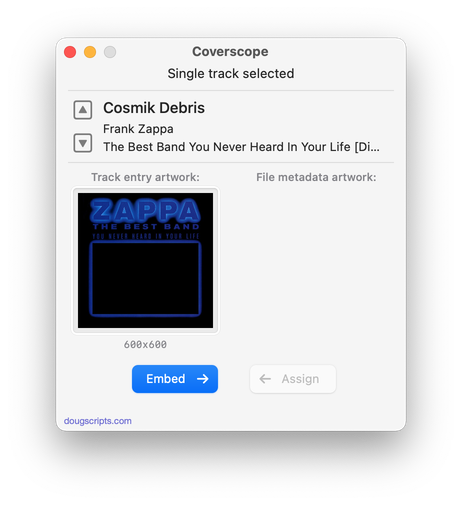
Latest version:
- UI and layout updates for macOS 26 and later
- Maintenance
More information for Coverscope v2.9 and download link is here.
